Restore Your Internet Connection with Remote WiFi Support
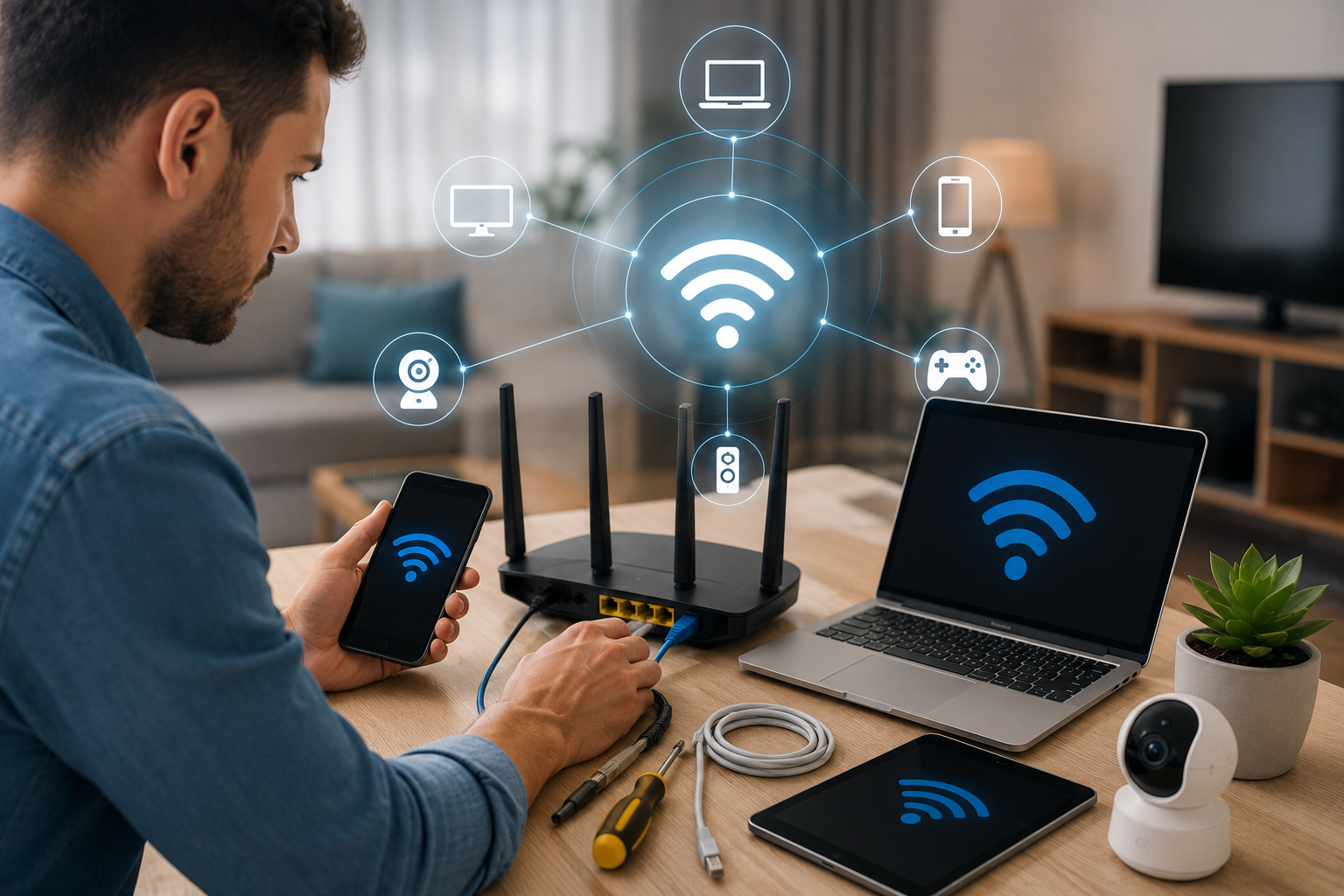
A reliable wireless network is essential for remote work, streaming, gaming, security cameras, and smart home devices. When your WiFi drops, slows down, or stops working entirely, your whole routine comes to a halt. NetCarePro provides fast, expert remote network troubleshooting to identify root causes and get your wireless connection running smoothly again—no waiting around for an in-person technician.
100% Remote Convenience:
Get direct, online technical assistance without scheduling costly or inconvenient in-home visits.
Complete Home Network Support:
Holistic troubleshooting across your router, extenders, computers, mobile devices, and smart hardware.
Clear, Step-by-Step Guidance:
Friendly, easy-to-follow instructions designed for users of all technical skill levels.
Comprehensive Diagnostics:
We troubleshoot both device-level settings and overall network configuration to fix root causes.
Common WiFi Problems We Help Fix
We provide reliable troubleshooting and setup support for a wide range of smart home devices and connectivity problems. Whether your device is not connecting, losing Wi-Fi, failing to pair, or not responding properly, we can help identify and resolve the issue.
WiFi Not Working At All:
Step-by-step assistance when your devices fail to detect, pair, or connect to your wireless network.
Slow WiFi & Speed Drops:
Diagnose bandwidth hogs, channel interference, and device-level bottlenecks to restore high-speed performance.
Weak Signals & Dead Zones:
Identify physical obstacles and range issues to ensure strong, consistent coverage throughout every room.
Network Settings & Router Configuration:
Professional guidance reviewing security protocols (WPA2/WPA3), frequency bands (2.4GHz vs 5GHz), and router settings.
Connected to WiFi, But No Internet:
Resolve IP address conflicts, DNS failures, and gateway misconfigurations when devices show full signal but cannot open web pages.
Frequent Connection Drops:
Fix unstable wireless signals that repeatedly disconnect during video calls, online gaming, or streaming.
New Device Connection Failures:
Get direct assistance connecting smartphones, laptops, smart TVs, wireless printers, security cameras, and smart home equipment.
What Our Clients Say
- Based on Google Reviews
- Based on Yelp Reviews
Describe Your WiFi Issue:
Tell us about your devices, internet setup, and the specific connectivity problem you’re facing.
Connect with a Remote Specialist:
Get paired with an experienced technical support professional for step-by-step assistance.
Get Back Online Fast:
Follow simple, guided instructions to restore fast, stable wireless internet across your home.