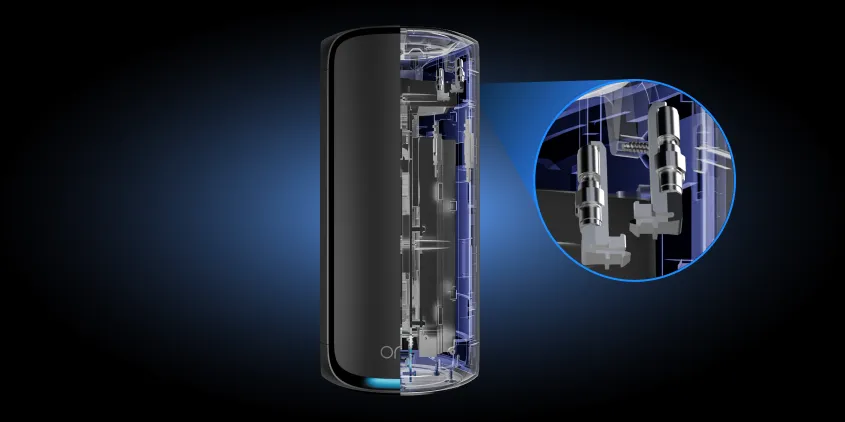
Eliminate Dead Zones with Remote WiFi Extender Support
Tired of weak signals in the bedroom, basement, or backyard office? A WiFi extender expands your coverage, but proper setup, positioning, and configuration are key to getting high-speed wireless in every corner. NetCarePro provides expert remote support to help you install, optimize, and troubleshoot your WiFi range extender quickly—no home visits required.
100% Remote Convenience:
Get direct, online technical assistance without waiting for an on-site technician.
Multi-Brand Support:
Experienced troubleshooting across all major extender brands (TP-Link, Netgear, Linksys, D-Link, ASUS, and more).
Clear, Step-by-Step Guidance:
Plain-language technical advice tailored to your technical comfort level.
Whole-Home Performance Focus:
We optimize both your extender setup and overall wireless coverage for maximum speed and stability.
WiFi Extender Problems We Help Fix
Extender Setup & Installation:
Step-by-step remote guidance to pair your new extender to your existing WiFi network correctly on the first try.
Optimal Placement & Signal Boosting:
Get tailored advice on positioning your extender to avoid physical obstacles, reduce channel interference, and eliminate dead spots.
Extender & Network Configuration:
Clear assistance updating network names (SSID), security settings, passwords, or setting up seamless single-SSID roaming.
Extender Not Connecting to Router:
Diagnose and resolve pairing failures, incorrect passphrase errors, and IP configuration issues between your router and extender.
Fixing Frequent Disconnections:
Resolve random connection drops, syncing failures, and range loss to ensure steady signal strength throughout your home or office.
Device Connectivity Troubleshooting:
Fix issues preventing smartphones, laptops, smart TVs, security cameras, and smart home devices from connecting through your extender.
What Our Clients Say
- Based on Google Reviews
- Based on Yelp Reviews
Type your paragraph here
Dedicated to Providing Exceptional Router and Wi-Fi Support Services
Describe Your Issue: Tell us about your extender brand, model, and the wireless coverage problem you're experiencing.
Connect with a Remote Specialist: Get paired with a technical support professional for immediate, one-on-one troubleshooting.
Enjoy Whole-Home WiFi: Follow simple, guided instructions to resolve connectivity issues and restore full wireless range.